Butcher Hero Tools
Checklists and account helpers—not a fake calculator. Redeem, reset, Unstuck, cloud save, offerwall, and VIP Auto Farm.
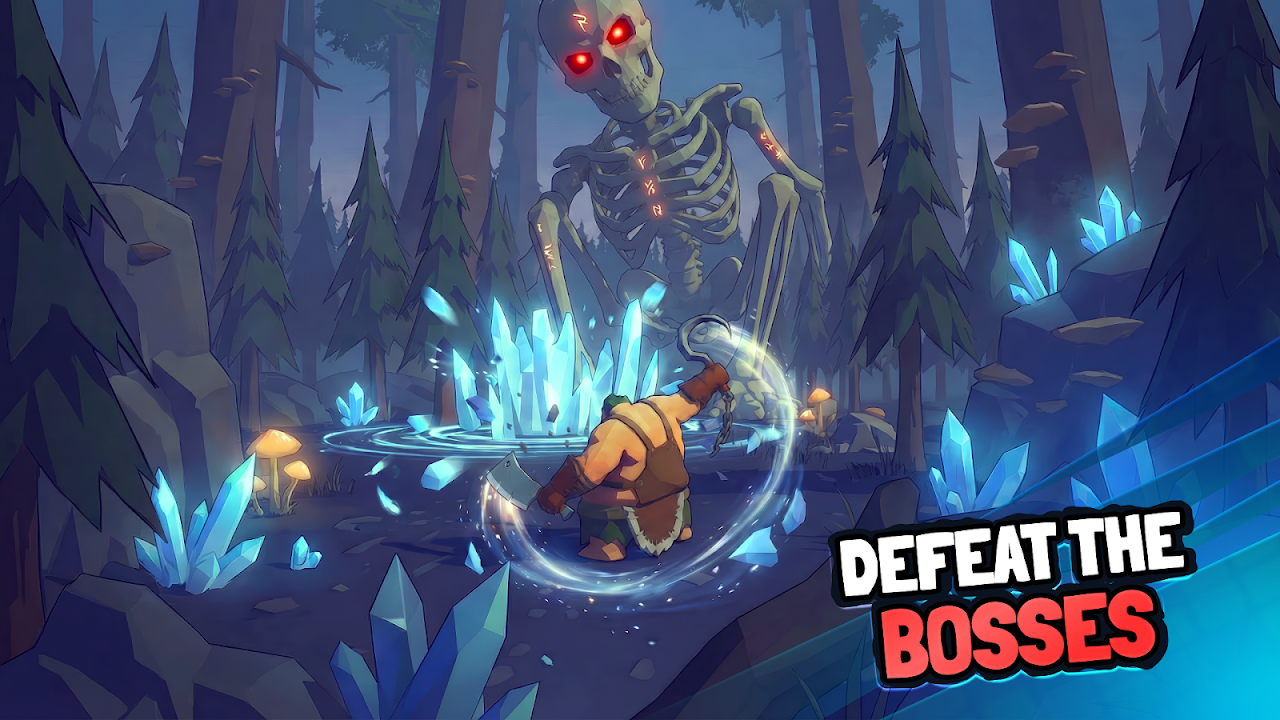
This Tools Hub collects practical helpers for Butcher Hero (also known as Hook’n’Chew RPG). Nothing here pretends to be a live damage calculator or auto-solver. Instead you get checklists you can run before a farm session: redeem codes safely, understand daily reset timing, use Unstuck correctly, treat cloud saves with care, grab offerwall free gems when available, and understand what VIP Auto Farm actually unlocks.
Pair these habits with the Codes Hub, the Weapons Tier List, and Getting Started so progression time is not wasted on menu mistakes.
Promo code redeem checklist
Daily community codes turn over quickly. Run this list every time you see a new string:
- Open the latest list on Codes and copy the newest candidate first.
- Tap your avatar / profile in the upper left.
- Open Redeem Code, Gift Code, or the local translation of that row. Some builds also expose a Promo Code field under Settings—use whichever label your client shows.
- Paste the code. Players report the field is case-insensitive; entering capitals is still the common habit.
- Confirm once. Rewards are usually a small permanent stat bump, not a second wallet of gems you can quote from outside the client.
- If the game rejects the code, stop. Do not share your Cross-Platform Password with anyone offering to “check” the code for you.
Failure checklist: already claimed on this account, calendar day already rolled, typo, or older build. Try tomorrow’s code instead of spamming the same string.
Daily reset timing tips
Community reports often place the daily code / reward rollover around 03:00 Turkey time. That is a player observation, not a guaranteed global server clock printed in the store listing. Use it as a planning hint:
- Claim the current code before you sleep if you are west of that timezone and the string is about to age out.
- After rollover, refresh Codes before a long farm so you do not miss the new daily string.
- Island medals, VIP Daily Chest, cashback, and other once-per-day systems also reset on the game’s daily boundary—claim them in the same session as your code attempt so you only open the client once.
When a reward says it is done “for today,” wait for the next reset instead of force-closing the app repeatedly.
Unstuck
If your hero cannot move in a tight corridor, geometry corner, or after a knockback, open Settings and use Unstuck. The game describes it as a movement recovery tool, not a crash fix and not a save restore.
Use Unstuck when:
- You are clipped in scenery.
- Inputs register but the character does not translate.
Do not expect Unstuck to:
- Restore missing cloud progress.
- Fix a hard crash loop.
- Reroll a bad chest.
For crashes, note the exact action that failed and update or reinstall after backing up. For missing progress, use the Cloud Saves steps below.
Cloud save caution
Butcher Hero exposes Cloud Saves in Profile and supports offline play. Treat cloud sync as a deliberate action:
- Finish the current fight and return to a safe menu.
- Save to cloud from the Profile / account controls when the client offers it.
- On a second device, load from cloud only after the upload finished.
- Keep the same account signed in on both devices.
Caution: uploading a fresh or empty local file can overwrite a good cloud slot. Downloading an older cloud file can wipe newer local progress. After any manual file work, third-party editor, or device swap, verify VIP level, gems, and equipped gear before you invest more time. This wiki does not host save editors; if you use one elsewhere, back up game_data first and understand that patches can invalidate old edit methods.
Offerwall free gems
When the client shows an offerwall or rewarded-offer panel, you can complete partner tasks for free gems or related soft rewards. Practical tips:
- Prefer short, clear offers you can finish the same day.
- Screenshot the offer terms before you start.
- Wait for the reward callback before starting a second heavy offer.
- Never buy or trade accounts to clear offerwalls—risk of ban and lost cloud saves.
Offerwall availability varies by region and storefront. If the button is missing, rely on daily chests, codes, and normal island drops instead.
VIP Auto Farm overview (informational)
Auto Farm unlocks along the VIP track (commonly listed at VIP 3, with further VIP lines calling out Auto Farm again at higher levels). It is a quality-of-life combat assist for eligible content, not a separate offline emulator and not a spreadsheet tool on this site.
What to know:
- VIP points come from in-app purchases; the VIP window shows your level, Multicast chances, Daily Chest size, and named perks.
- Auto Farm reduces babysitting on clearable packs so you can focus on loadout swaps and chest routes.
- Higher VIP levels add cashback, extra slots, and Mythic Daily Chest chances (for example Mythic helmet notes around VIP 7). Those are progression perks, not requirements to enjoy the game.
- This page is informational only. We do not embed a fake VIP calculator, gem converter, or auto-clicker. Check the in-game VIP panel for live numbers after each patch.
Free-to-play players should still clear islands manually, match weapon types from the Weapons Tier List, and keep redeem / daily habits from this hub.
Suggested pre-farm routine
- Redeem today’s code (Codes).
- Claim VIP Daily Chest / cashback if eligible.
- Confirm cloud save is current if you switched devices.
- Equip the damage type the next island wants (Tier List Hub).
- Enable Auto Farm only where VIP and the current map allow it.
- Keep Unstuck in mind for tight boss arenas.
For patch-driven changes to VIP or menus, watch the Updates Hub. For the full site map, see the Wiki Overview.
Frequently Asked Questions
Quick answers to the most common questions.
Where do I redeem Butcher Hero codes?
Open the avatar / profile in the upper left and look for Redeem Code or Gift Code. Some clients also list Promo Code under Settings. Full steps and live strings sit on the Codes Hub.
When do daily codes reset?
Players often mention roughly 03:00 Turkey time for daily code rollover. Treat that as a community timing tip and always verify in-game after the clock passes.
What does Unstuck do?
Unstuck in Settings frees a hero who cannot move. It does not restore cloud saves or repair crashes.
Is VIP Auto Farm a tool on this wiki?
No. Auto Farm is an in-game VIP feature (commonly from VIP 3). This page only explains what it is; we do not ship a calculator or bot.
Can cloud save delete my progress?
Yes, if you upload an older or empty local file over a good cloud slot, or download an outdated cloud file onto a newer device. Sync deliberately and confirm gear afterward.